

Download A Lone Piece – Procedurally Generated Chess Puzzle Game
Overview
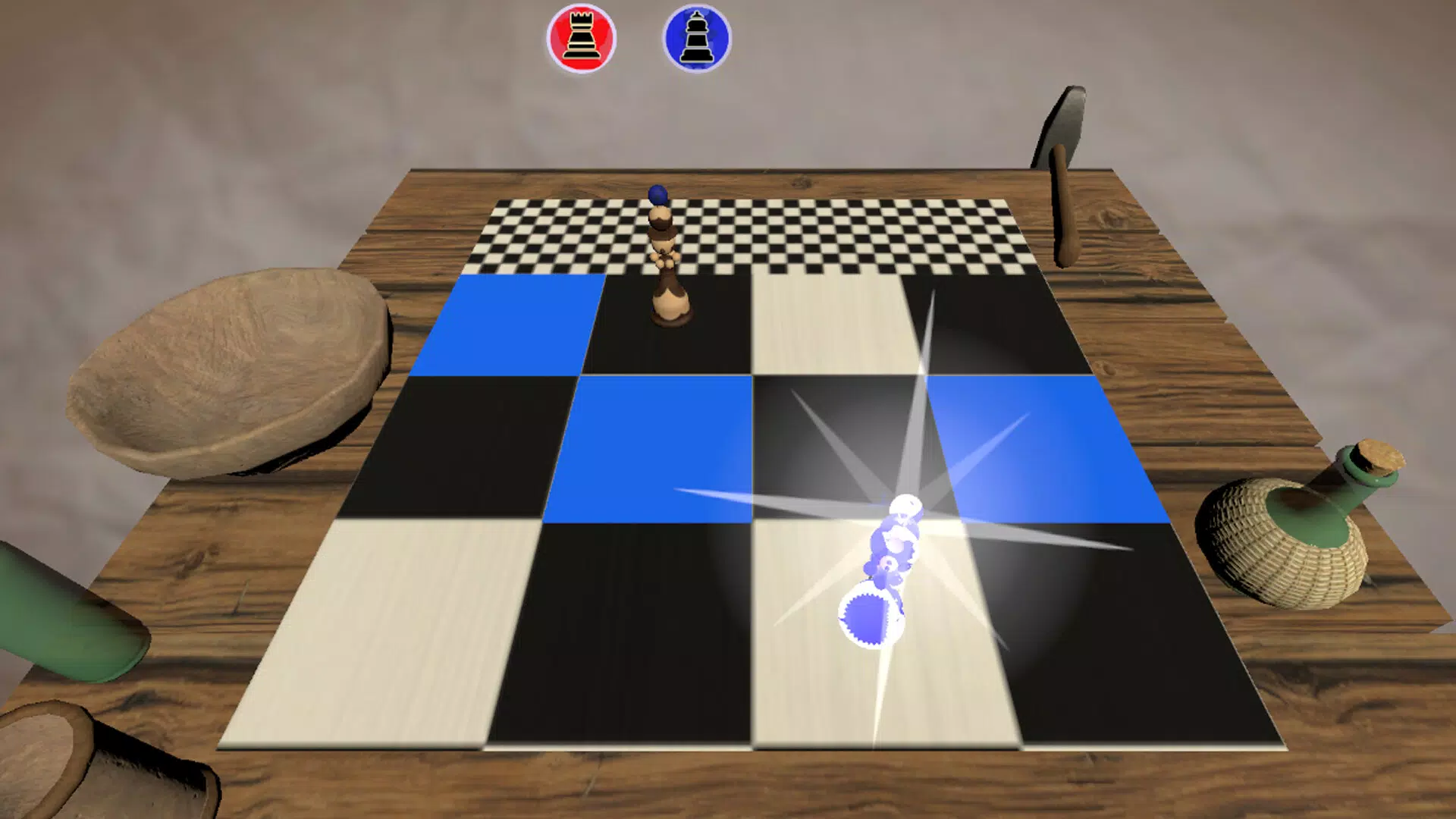
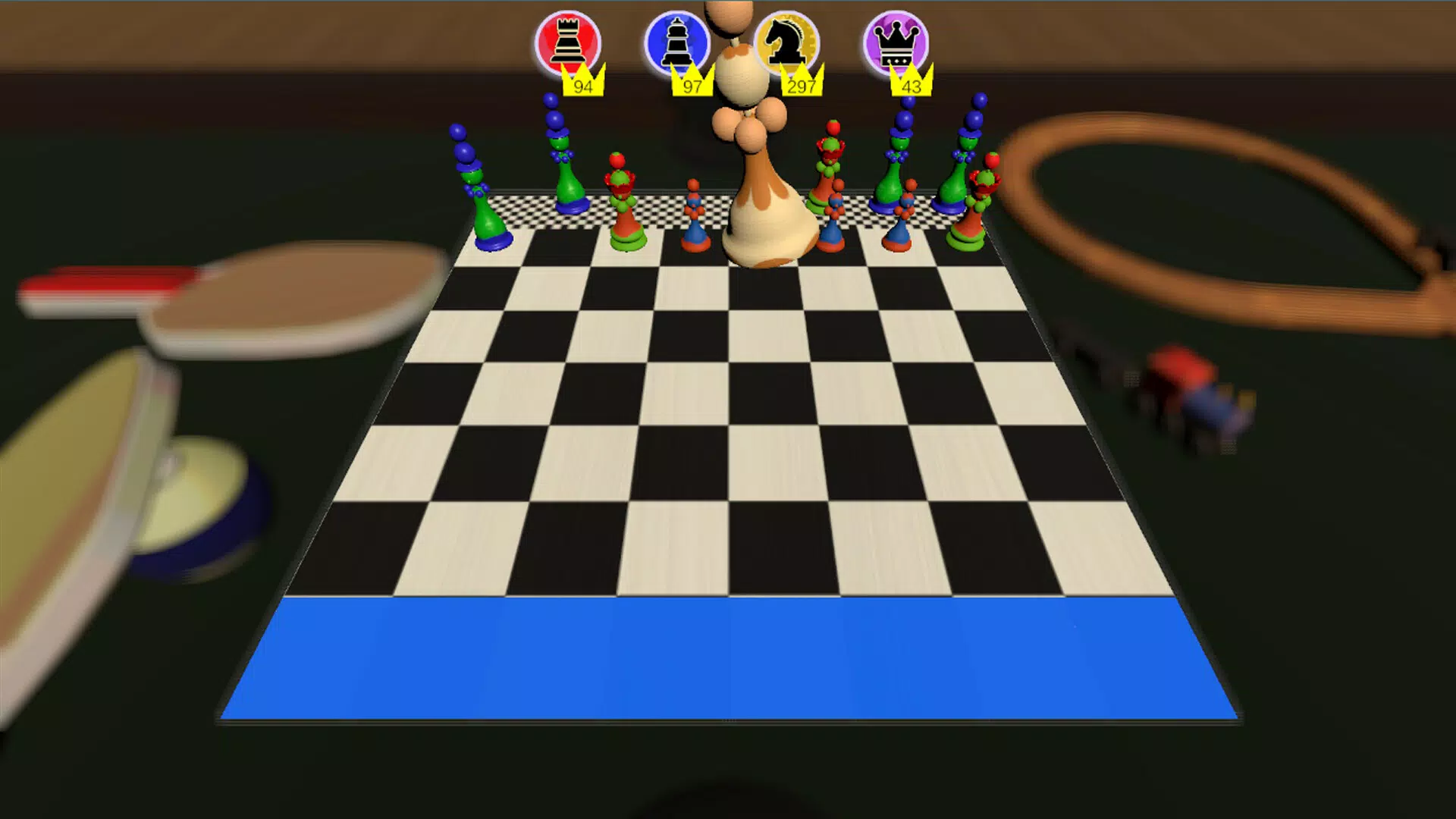
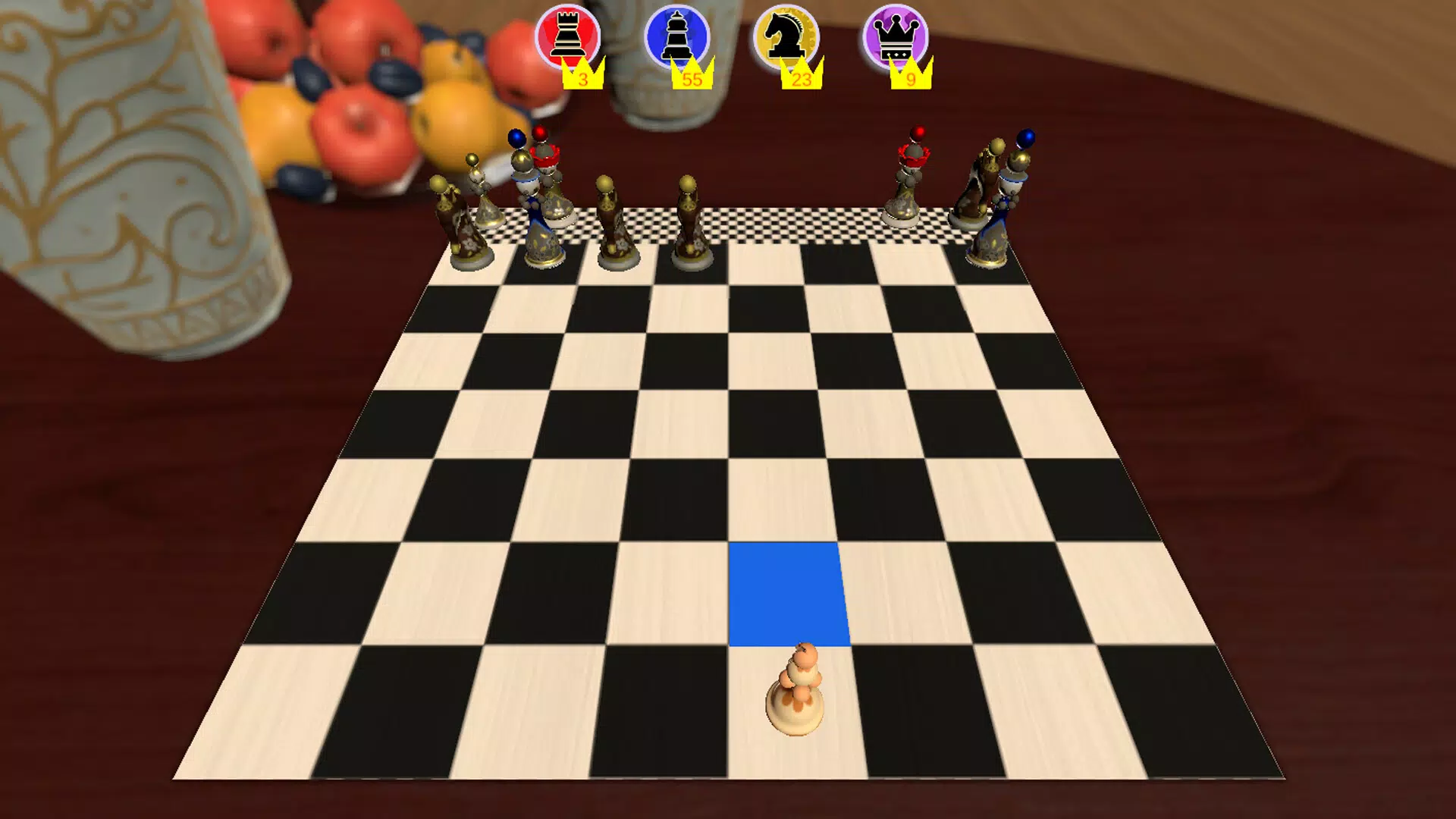
A Lone Piece reimagines the timeless strategy of chess by placing players in the unique role of a single pawn. Rather than controlling an entire army, the player must navigate a series of procedurally generated levels, using cunning and foresight to consume opposing pieces and advance toward victory. This innovative twist transforms the classic game into a dynamic puzzle experience, blending strategic depth with replayability.
The app is designed for both chess enthusiasts seeking a fresh challenge and beginners looking to learn the fundamentals in an engaging format. By turning the pawn into the protagonist, A Lone Piece emphasizes patience, planning, and adaptability—core principles of effective chess play. The game’s structure supports learning through gameplay, offering intuitive challenges that gradually build skill.
It serves as both a mental exercise and a creative tool for introducing young players to chess logic. The developer has not provided additional background information, but the app’s design suggests a focus on accessibility and long-term engagement. In the broader mobile gaming ecosystem, A Lone Piece stands out as a niche yet meaningful entry in the strategy and educational app category.
It offers a compelling alternative to traditional chess apps by prioritizing narrative-driven gameplay and evolving challenges over static board setups.
Key Features & Functionality
- Procedurally Generated Levels: Each play session presents a unique board configuration, ensuring no two games are identical. This algorithmic variation keeps the experience fresh and encourages strategic adaptation with every round.
- Power-Ups Through Consumption: Players gain temporary abilities by capturing enemy pieces, which can alter movement patterns, increase reach, or unlock new tactical options. This mechanic adds depth to decision-making and rewards careful planning.
- Reimagined Chess Pieces: While the game uses standard chess pieces, their behaviors are uniquely altered. For example, a knight may move in non-standard patterns, or a rook might split into smaller units under certain conditions, introducing surprise and complexity.
- Adaptive Difficulty: The game progressively increases in complexity as players advance, adjusting the number of enemy pieces, movement restrictions, and environmental obstacles to maintain engagement.
- Educational Design: The puzzles are structured to teach chess principles such as control of the center, piece coordination, and king safety, making it suitable for use in learning environments or at home.
For example, a beginner might start with a level where only one opposing piece exists, focusing on safe pawn advancement. As skill improves, levels introduce multiple pieces with varied movement rules, requiring multi-step planning. This layered approach ensures that the app remains relevant across different experience levels, turning each session into a micro-learning event.
Interface, UX & Performance
The user interface of A Lone Piece is clean and minimal, prioritizing clarity over visual flair. The board layout is centered with intuitive piece indicators and clear visual cues for valid moves. Navigation is straightforward, relying on tap-to-select and swipe-to-move mechanics, which are responsive and consistent across devices.
The visual style leans toward a modern, low-contrast aesthetic, reducing eye strain during extended play. Although the developer did not list formal performance metrics, the app appears optimized for smooth interaction, with no reported lag in movement or level transitions. Responsiveness is maintained across various screen sizes, suggesting compatibility with a wide range of smartphones.
Stability is evident in the absence of crashes during gameplay, and transitions between levels are seamless. The app does not require complex gestures or onboarding tutorials, making it accessible to users of all ages. While specific performance benchmarks were not disclosed, the consistent frame rate and smooth animations indicate efficient resource usage.
The developer did not provide additional technical details about memory consumption or background processing, but the overall experience suggests efficient design. Users can expect reliable performance during regular use, with minimal impact on device battery life.
Platform Compatibility & Technical Requirements
A Lone Piece is available on Android and iOS platforms, supporting the latest versions of both operating systems. The app has a file size of 68 MB, which is relatively compact for a strategy game with procedural generation. This size suggests efficient asset compression and minimal bloat.
The developer did not specify minimum OS requirements or hardware specifications, so compatibility with older devices remains uncertain. However, the lightweight footprint implies potential support for mid-tier smartphones. No additional permissions beyond basic device access were listed.
Users should ensure their device meets standard requirements for running modern mobile applications. The app’s release date was March 2, 2023, indicating it is a relatively recent addition to the mobile strategy genre. Specific requirements were not listed, so users are advised to check their device’s compatibility through official app stores.
Pros and Cons
Pros
- Unique gameplay concept centered on a single pawn, offering a fresh take on chess.
- Procedurally generated levels ensure high replayability and long-term engagement.
- Adaptive difficulty makes it suitable for both beginners and experienced players.
- Educational value supports learning chess principles in an interactive way.
- Compact file size with smooth performance on supported devices.
Cons
- Developer did not provide detailed technical requirements or compatibility information.
- Limited information on in-app purchases or monetization model.
- Visual design is minimalistic, which may not appeal to users seeking rich graphics.
- No official support for offline mode was mentioned.
- Specific performance metrics were not disclosed.
FAQ
Is A Lone Piece available for both Android and iOS?
Yes, the app is available on both Android and iOS platforms, as confirmed by its release details.
Can I play A Lone Piece offline?
The developer did not specify whether offline play is supported. It is recommended to check the app store listing for current functionality.
Is A Lone Piece free to download?
The app’s price was not listed in the provided information. Users should verify the current pricing on their respective app stores.
Does A Lone Piece require internet access?
While the developer did not confirm, the app’s procedural generation and lack of online leaderboards suggest it may function offline. However, this cannot be confirmed without official details.
How often is the app updated?
The release date was March 2, 2023. No information about update frequency was provided. Users should monitor the app store for updates.
Final Thoughts
A Lone Piece offers a refreshing and intellectually stimulating twist on the classic game of chess. By centering gameplay around a single pawn and leveraging procedural generation, it delivers a dynamic experience that rewards strategy, patience, and adaptability. Its educational foundation makes it a valuable tool for teaching chess to younger audiences, while its increasing difficulty ensures seasoned players remain challenged.
The clean interface and smooth performance enhance the overall experience, despite limited technical disclosures. For users seeking a mobile app that combines mental engagement with creative gameplay, A Lone Piece stands out as a thoughtful and well-designed option. Whether you're a casual player looking for a new challenge or a parent introducing chess to a child, this app offers meaningful value.
Download A Lone Piece now.


